A practical operating kit for recurring AI work
한국어Stop rebuilding the job in every chat.
Give your AI the context, finish line, review checks, and approval boundaries it needs before the work begins. The kit turns those decisions into files you can reuse next week—not another giant prompt you have to babysit.
One-time payment · English and Korean editions included · No new automation app required
 Download after purchase
The familiar failure mode
The first draft is fast. Finishing it still lands on you.
Most uneven AI work starts before the prompt: the job has no stable context, no written definition of done, and no clear point where a person must take over.
You explain the same background again
Client details, tone, constraints, and forbidden phrases disappear when the chat ends.
Plausible gets mistaken for finished
A polished answer arrives quickly, but you still reread everything to find omissions and risky claims.
Yesterday’s correction returns tomorrow
Feedback stays trapped in the conversation instead of becoming a reusable rule or test.
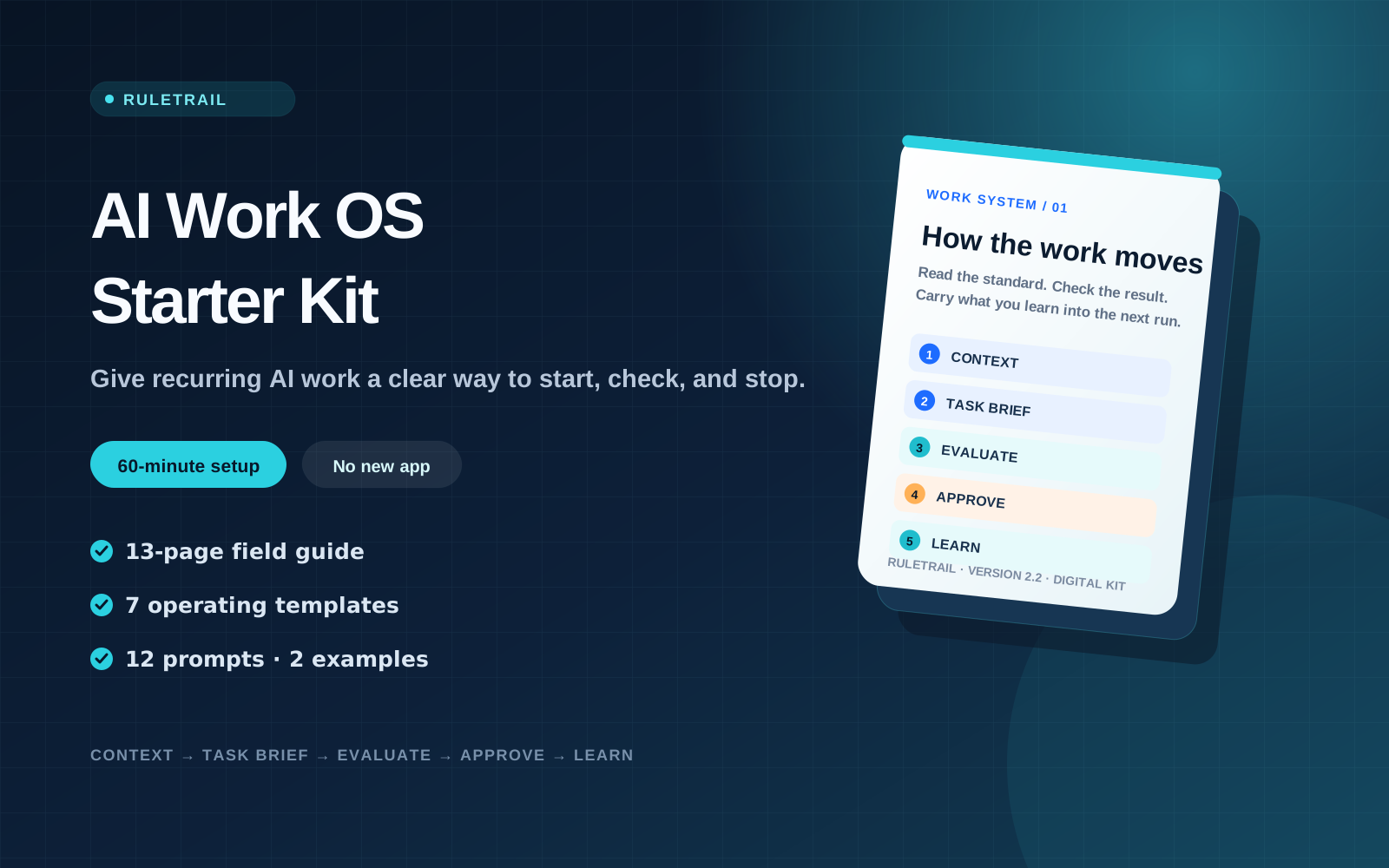
The five-file rhythm
A small operating loop your AI can actually follow.
Start with one recurring task. Keep the stable facts separate from today’s brief, check the output, pause before consequential actions, then save the lesson.
Context
Keep the client, goal, tone, constraints, and standing rules in one place.
Task brief
Name the input, output, scope, and finish line for this run.
Evaluate
Check the draft against a 100-point scorecard and fatal-failure rules.
Approve
Stop before sending, publishing, paying, deleting, or exposing private data.
Learn
Turn a failure into a rule, a test, or a decision the next run can reuse.
60-second walkthrough
See the whole loop before you buy.
This silent, text-led walkthrough shows the actual five-step operating rhythm and the files included in the download. Play it at your own pace—there is no voice-over or sales pitch to sit through.
Silent video · English on-screen text · 60 seconds
What you receive
Working files, not a gallery of clever prompts.
Everything is delivered as a lightweight PDF, Markdown, or CSV file. Open it with the tools you already use, edit the examples, and keep the parts that improve the work.
13-page field guide
A plain-language walkthrough of the workflow, the files, and a first 60-minute setup.
Operating templates
Work context, agent rules, task brief, acceptance checklist, human gate, failure-to-rule log, and decision log.
Prompts for the awkward steps
Scope the job, challenge assumptions, check facts, score the result, and diagnose a miss.
Worked examples
See the whole loop applied to a weekly report and a content-repurposing job.
A quick fit check
Built for people who can judge the work—not people looking for autopilot.
Good fit
- You repeat a report, follow-up, research, or content task every week.
- You know what a good result looks like and can review the first few runs.
- Your team or clients have a preferred tone, format, or approval process.
- You use ChatGPT, Codex, Claude, Gemini, or another tool that can read files.
Probably not a fit
- You want an AI to run the business without setup or review.
- You are buying a revenue promise or a finished automation service.
- Nobody owns the definition of a good result.
- You need a hosted dashboard or a tool-specific integration.
Start with one job
Make next week’s run easier than this week’s.
Choose a task you already know, write down its context and finish line, and run the loop once. The goal is not more AI activity. It is less re-explaining, less rechecking, and a safer handoff.
- English and Korean PDF guides plus editable files
- Works across AI tools
- Immediate download after purchase
FAQ
Questions before you buy
Which AI tools can I use?
Any tool that can follow detailed instructions and read files, including ChatGPT, Codex, Claude, and Gemini. File limits and attachment workflows vary by product.
Which languages are included?
Your download includes separate English and Korean folders. Each contains the 13-page guide, editable templates, prompts, and worked examples.
Do I need Zapier, Make, or n8n?
No. Start with Markdown and CSV files. Connect an automation platform later only when the manual workflow is stable enough to automate.
Is this another prompt bundle?
No. Prompts are included, but the core product is the operating structure around them: context, a finish line, review criteria, human approval, and a record of what changed.
How long does setup take?
The guide walks through a focused 60-minute first setup. A complex job or scattered source material can take longer.
Does it guarantee better results or revenue?
No. It gives you a clearer way to specify and review work. Results still depend on the task, source material, model, and quality of human judgment.
Version 2.2 · Digital kit